


Malta Travel eSIM Card | GO 4G/5G Data SIM
Malta Travel eSIM Card | GO 4G/5G Data SIM
Couldn't load pickup availability
Before purchasing, please check if your device supports eSIM
購買前,請先 確認您的設備是否支援 eSIM
- Data: 5GB–30GB (After the high-speed data is used, speed is reduced to 384kbps, but you can continue using the internet without disconnection.)
- Speed: 4G/5G LTE (Actual speeds depend on local network coverage and device support)
- Calls & SMS: ❌ No voice calls or SMS included
- Local Number: ❌ No local phone number included
- Coverage: 🇲🇹 Major cities and popular tourist destinations in Malta
- Compatibility: Requires an unlocked, eSIM-compatible device.
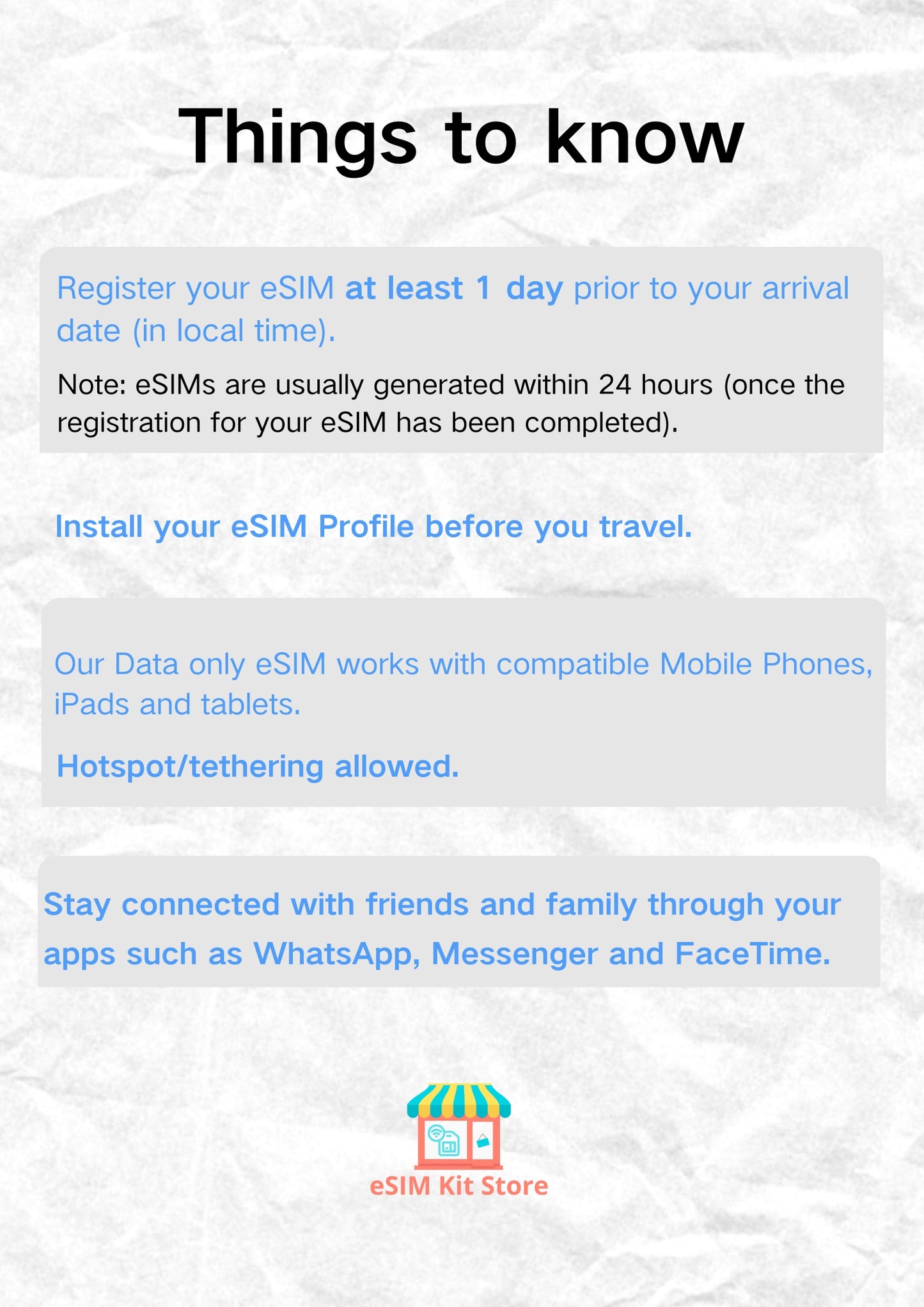
- Hotspot: ✅ Hotspot sharing supported
- Network: GO 4G/5G
- Top-up: ❌ Top-ups and renewals are not supported. If you need more data, please purchase a new eSIM plan.
- ID Verification: ❌ No identity verification is required. No passport or ID document is needed.
- Delivery: Within 24 hours after purchase, the eSIM activation QR Code will be sent to the email address you provided.
- Installation: We recommend installing the eSIM before departure in a stable Wi-Fi environment.
- Validity: The QR Code must be installed and used within 60 days of purchase.
- Activation: Scan the QR Code to install. After arriving in Malta, enable data roaming. Service validity starts when the eSIM first connects to the local GO network.
- After Sales: eSIM is a virtual digital product. No refunds are available after the QR Code has been sent. If you encounter any installation or usage issues, please keep the eSIM QR Code email and screenshots of your phone settings, and contact customer support for assistance.
How to Choose a Plan
How Much Data Do You Need?
Why Choose eSIMKitStore 🇲🇹 Malta eSIM?
Frequently Asked Questions
Does this Malta eSIM support personal hotspot sharing?
Does this Malta eSIM support personal hotspot sharing?
✅ Supported. You can use personal hotspot sharing to share the Malta eSIM’s mobile data with laptops, tablets, or other devices.
Is the Malta eSIM unlimited? Will the connection be cut off after the high-speed data is used?
Is the Malta eSIM unlimited? Will the connection be cut off after the high-speed data is used?
Yes. Every plan includes unlimited data, with the package allowance serving as the high-speed data allowance. After the high-speed data is used, the speed is reduced to 384kbps, but you can continue using the internet without disconnection.
Does this Malta GO eSIM support 4G/5G? How should I set the APN?
Does this Malta GO eSIM support 4G/5G? How should I set the APN?
✅ 4G/5G is supported. This Malta eSIM connects to the GO network, with APN: internet. Actual network speeds depend on local network coverage and device support.
Which cities and popular tourist attractions in Malta is this eSIM suitable for?
Which cities and popular tourist attractions in Malta is this eSIM suitable for?
Suitable for Valletta, Mdina, Sliema, St. Julian’s, the Three Cities, Marsaxlokk, and Gozo Island. It is also convenient for exploring Comino, the Blue Lagoon, the Blue Grotto, and Malta’s historic sites.
How do I choose the right plan?
How do I choose the right plan?
For short trips or light usage, a smaller plan is enough. If you plan to use social media, video calls, hotspot sharing, or travel for longer, choose a larger plan.
When will I receive my eSIM?
When will I receive my eSIM?
After purchase, eSIM details are sent by email. Please check your inbox and spam folder.
Can I still use WhatsApp?
Can I still use WhatsApp?
Yes. Travel eSIMs use mobile data and do not change your WhatsApp number.
How do I check if my phone supports eSIM?
How do I check if my phone supports eSIM?
Dial *#06#— if your phone displays an EID number, it likely supports eSIM. You can also check ourcompatible device list.
Still Have Questions?
Visit our Help Centre for setup guides, compatibility info, and support.




Check if Your Device Supports eSIM
Most smartphones released after 2019 support eSIM. Check before you buy.
Best Seller Travel eSIMs
-
Orange Holiday Europe eSIM – 30-Day Plans with Calls & SMS | 20/50/100GB
Regular price From ¥3,700 JPYRegular price -
Global Travel eSIM for 85 Countries | 3GB - 30GB Prepaid Data Plans
Regular price From ¥1,100 JPYRegular price -
China eSIM for Travel – 10GB Data Starts From $9 | No VPN Needed
Regular price From ¥1,500 JPYRegular price¥1,500 JPYSale price From ¥1,500 JPY -
French / France Prepaid Travel eSIM Card
Regular price From ¥1,300 JPYRegular price¥1,300 JPYSale price From ¥1,300 JPY -
Japan Prepaid eSIM Card | From $5 – SoftBank 5G, Tourist-Ready
Regular price From ¥800 JPYRegular price¥800 JPYSale price From ¥800 JPY -
UK eSIM for Travel — 5G Data on Three, O2 & Vodafone
Regular price From ¥1,500 JPYRegular price¥1,300 JPYSale price From ¥1,500 JPY


