


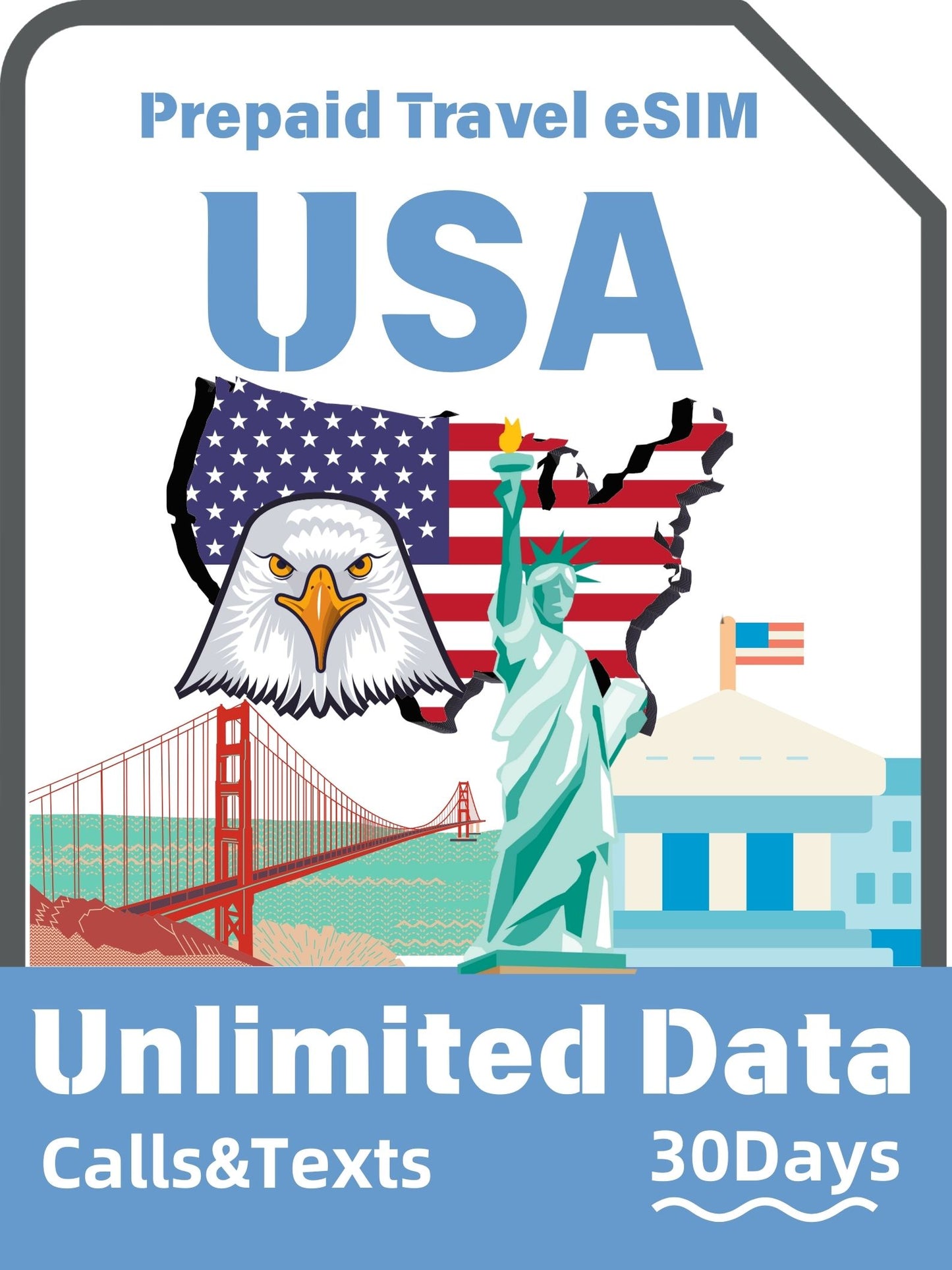
Unlimited Data T-Mobile Hawaii & USA Prepaid eSIM | with Calls & Texts
Unlimited Data T-Mobile Hawaii & USA Prepaid eSIM | with Calls & Texts
Couldn't load pickup availability
Before purchasing, please check if your device supports eSIM
購買前,請先 確認您的設備是否支援 eSIM
- Data: Unlimited Data
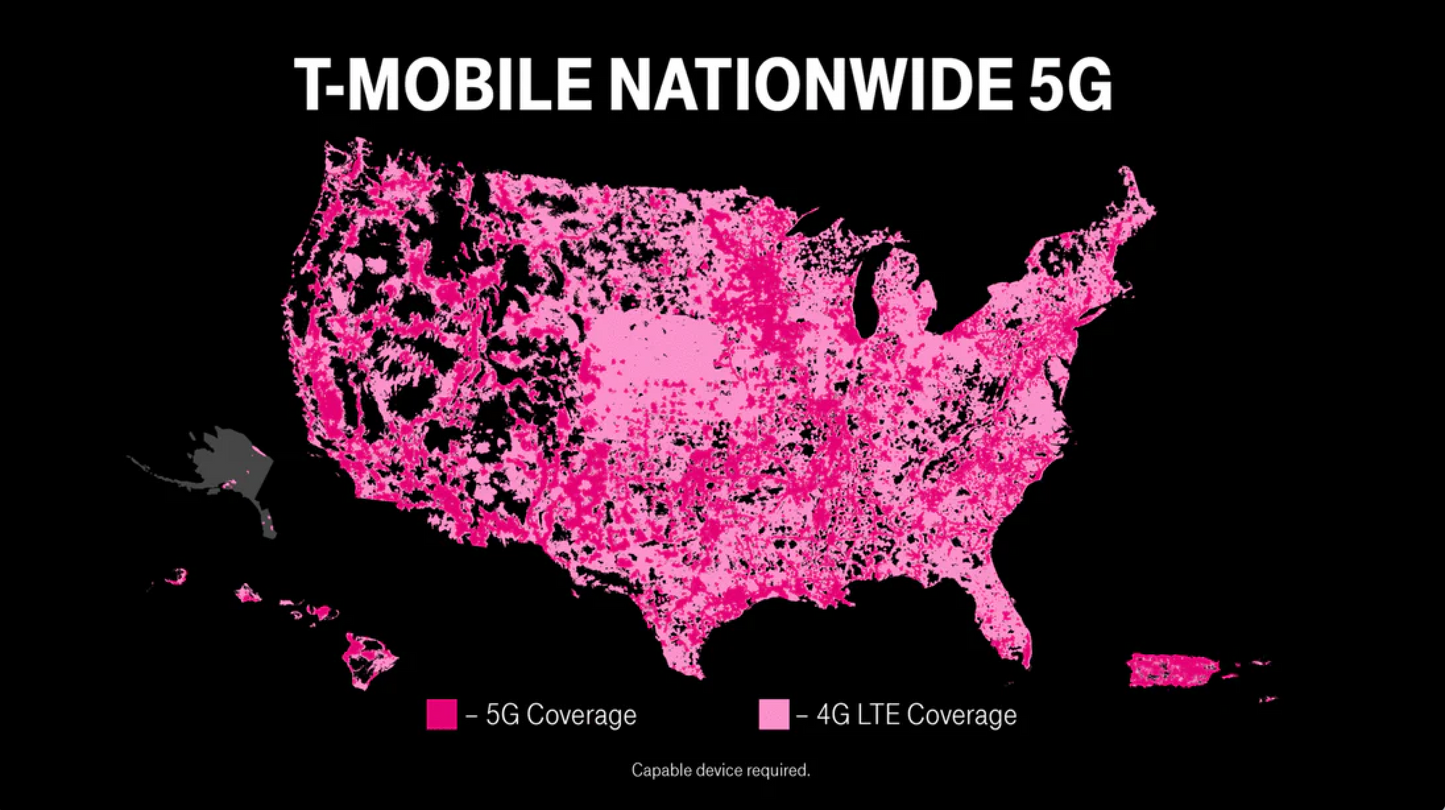
- Speed: 5G / 4G LTE (subject to local coverage and device support)
- Calls & SMS: Unlimited Calling and Texts
- Local Number: A +1 US local phone number
- Coverage: USA/Hawaii
- Compatibility: Requires an unlocked, eSIM-compatible device.
- Hotspot: ✅ Hotspot supported
- Network: T-Mobile 4G/5G
- Top-up: ❌ Not supported
- ID Verification: Not required
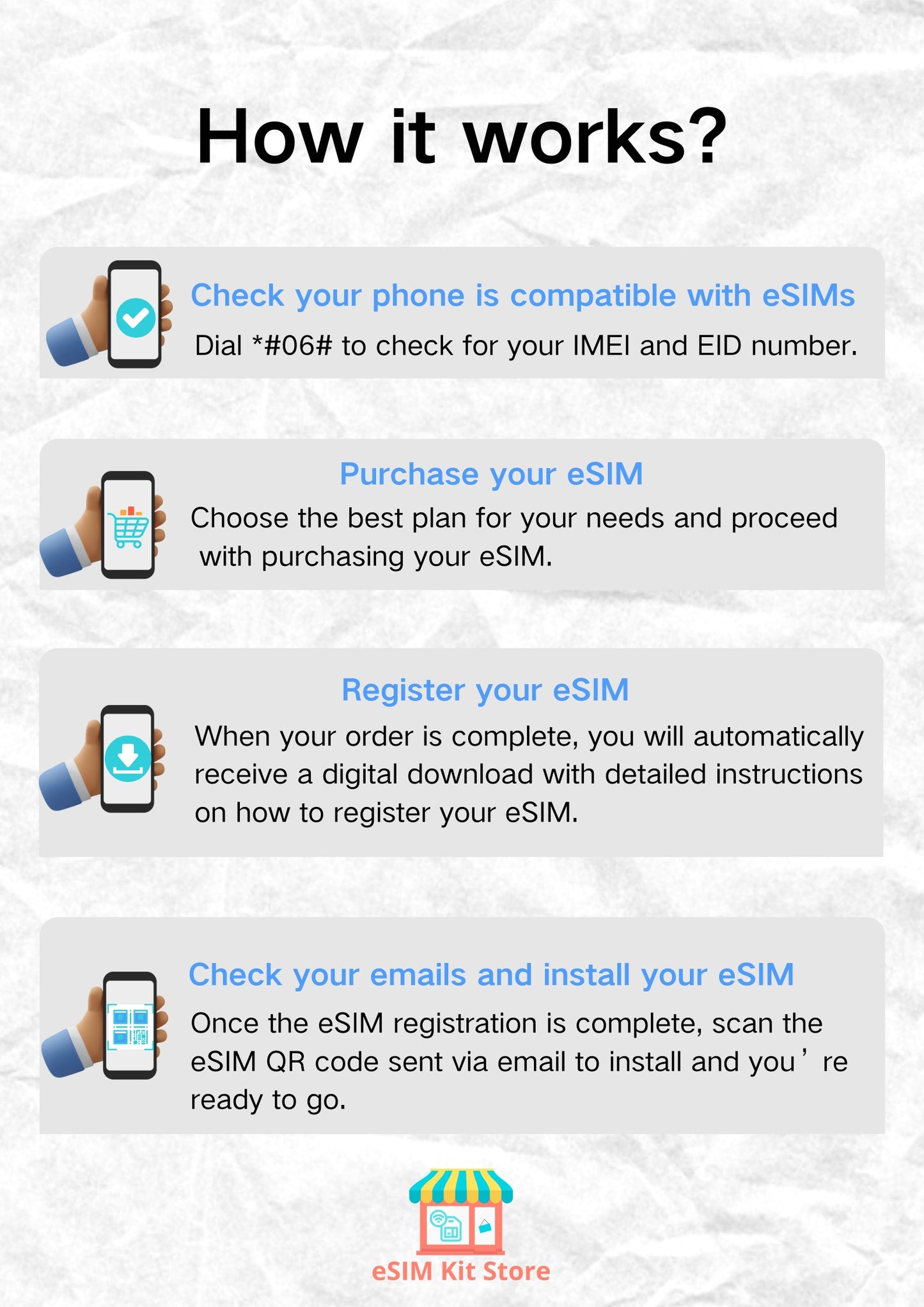
- Delivery: Sent to your email within 24 hours after purchase. Activation QR Code will be delivered after checkout.
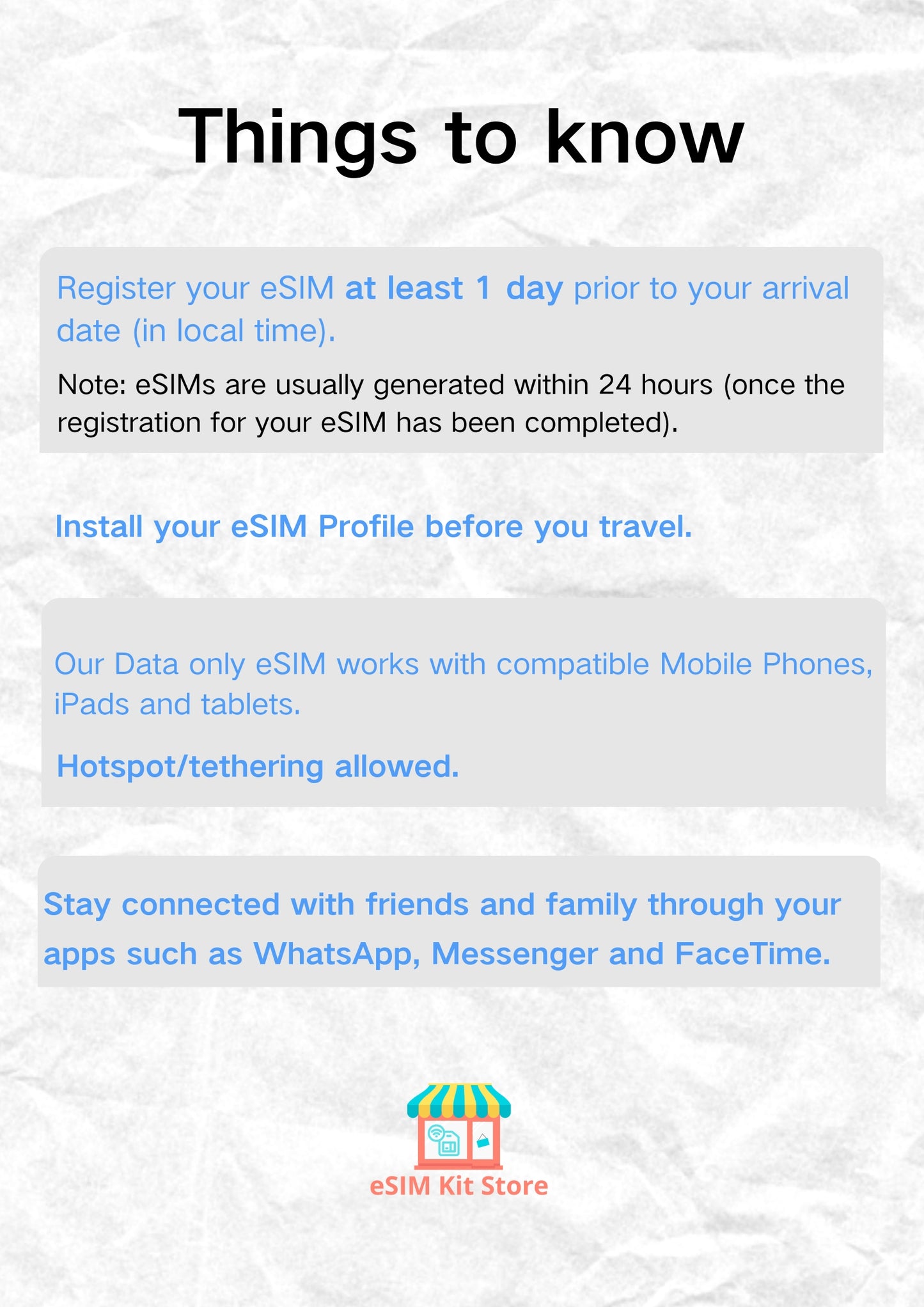
- Installation: After purchase, please tell us your intended activation date — submit it on our activation date page or reply to the activation email.
- Validity: The QR code must be installed and used within 60 days after purchase.
- Activation: We'll activate your eSIM based on the date you provide.
- After Sales: eSIM is a virtual digital product. Once the QR code has been sent, refunds are not available.
How to Choose a Plan
How Much Data Do You Need?
Why Choose eSIMKitStore USA/Hawaii eSIM?
Frequently Asked Questions
Does this T-mobile eSIM include calls and texts, or is it data-only?
Does this T-mobile eSIM include calls and texts, or is it data-only?
This eSIM includes unlimited domestic calls and texts within the United States, in addition to unlimited 5G/4G LTE data. You'll also receive a US local phone number (+1) for receiving calls and messages, no separate voice plan needed.
Does this eSIM support hotspot and tethering?
Does this eSIM support hotspot and tethering?
Yes, hotspot and tethering are fully supported in eSIMKitStore's Hawaii travel eSIM. You can share your connection with other devices such as a laptop or tablet during your trip.
How do I turn on data and get online after installation?
How do I turn on data and get online after installation?
Open your phone settings and complete these steps in order: 1. Set the T-Mobile eSIM as your primary data line 2. Turn off "Automatic data switching" 3. Turn on "Data roaming" 4. Restart your phone If you still can't connect, manually set the APN to: fast.t-mobile.com
What happens to my data speed after 50GB?
What happens to my data speed after 50GB?
This plan provides unlimited data throughout your trip. After consuming 50GB, your speeds may be temporarily reduced during periods of peak network congestion. Normal speeds typically resume once network traffic decreases. For most travel use cases, navigation, streaming, social media — this threshold is unlikely to affect your experience.
How do I choose the right plan?
How do I choose the right plan?
For short trips or light usage, a smaller plan is enough. If you plan to use social media, video calls, hotspot sharing, or travel for longer, choose a larger plan.
When will I receive my eSIM?
When will I receive my eSIM?
After purchase, eSIM details are sent by email. Please check your inbox and spam folder.
Can I still use WhatsApp?
Can I still use WhatsApp?
Yes. Travel eSIMs use mobile data and do not change your WhatsApp number.
How do I check if my phone supports eSIM?
How do I check if my phone supports eSIM?
Dial *#06#— if your phone displays an EID number, it likely supports eSIM. You can also check ourcompatible device list.
Still Have Questions?
Visit our Help Centre for setup guides, compatibility info, and support.

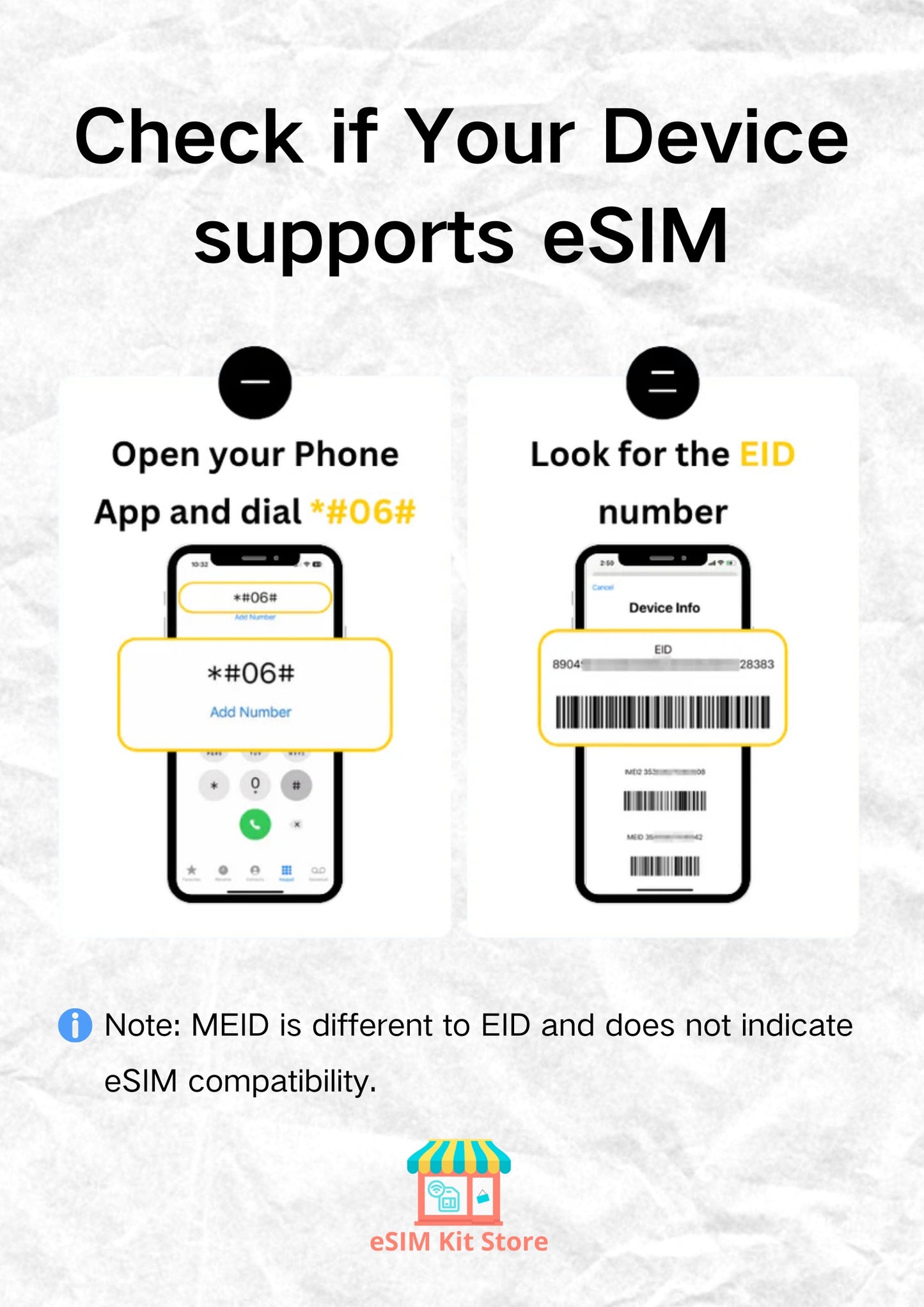


Check if Your Device Supports eSIM
Most smartphones released after 2019 support eSIM. Check before you buy.
Best Seller Travel eSIMs
-
Orange Holiday Europe eSIM – 30-Day Plans with Calls & SMS | 20/50/100GB
Regular price From ¥3,200 JPYRegular price -
Global Travel eSIM for 85 Countries | 3GB - 30GB Prepaid Data Plans
Regular price From ¥1,000 JPYRegular price -
China eSIM for Travel – 10GB Data Starts From $9 | No VPN Needed
Regular price From ¥1,400 JPYRegular price¥1,400 JPYSale price From ¥1,400 JPY -
Prepaid eSIM France: Unlimited 5G Data, No ID | Orange & SFR
Regular price From ¥1,200 JPYRegular price¥1,200 JPYSale price From ¥1,200 JPY -
Japan Prepaid eSIM Card | From $5 – SoftBank 5G, Tourist-Ready
Regular price From ¥800 JPYRegular price¥800 JPYSale price From ¥800 JPY -
UK eSIM for Travel — 5G Data on Three, O2 & Vodafone
Regular price From ¥1,500 JPYRegular price¥1,200 JPYSale price From ¥1,500 JPY


